


Description
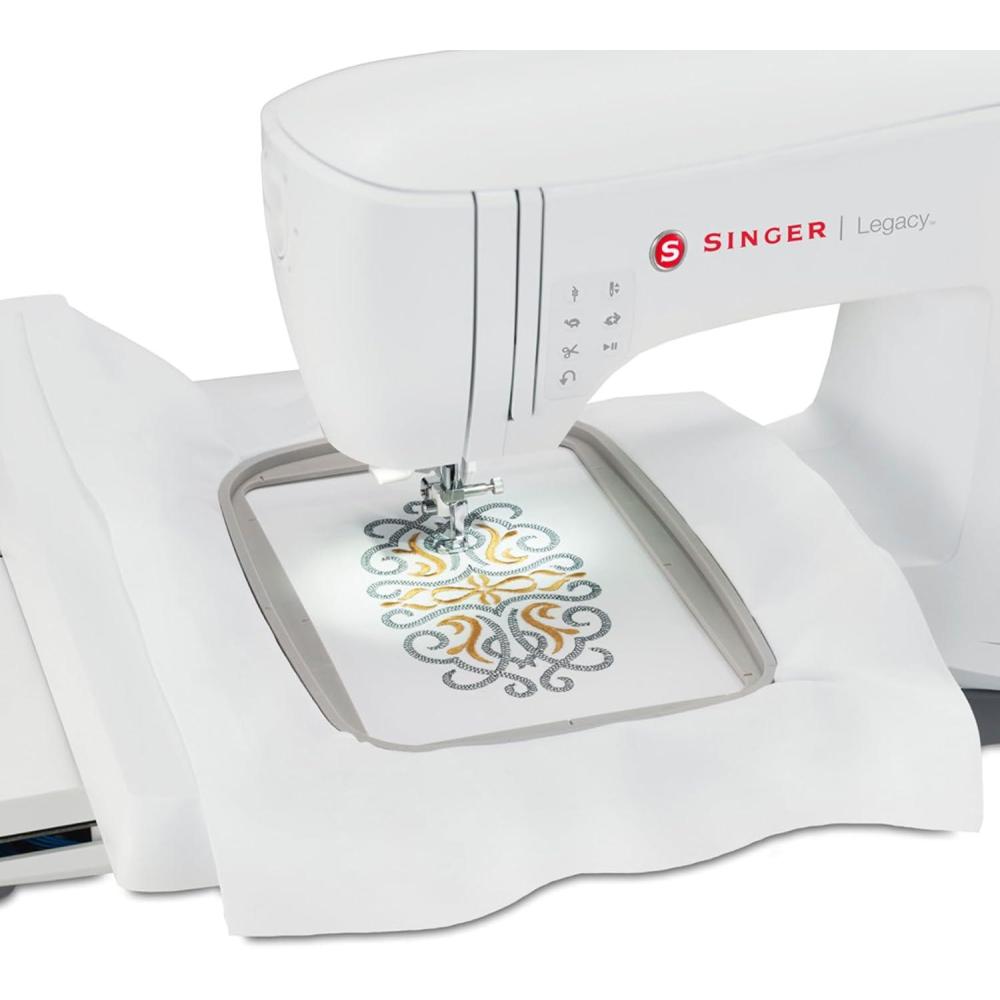
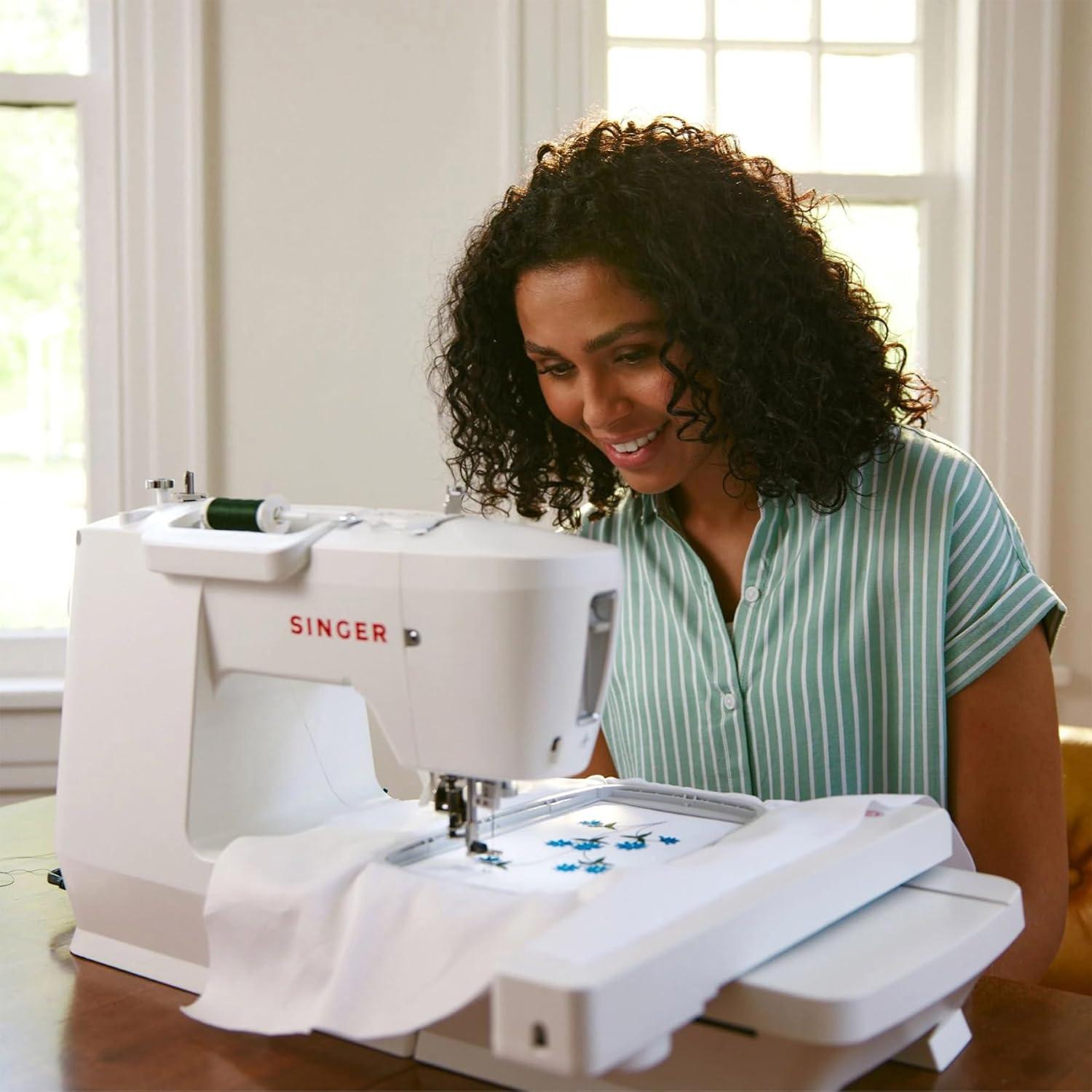
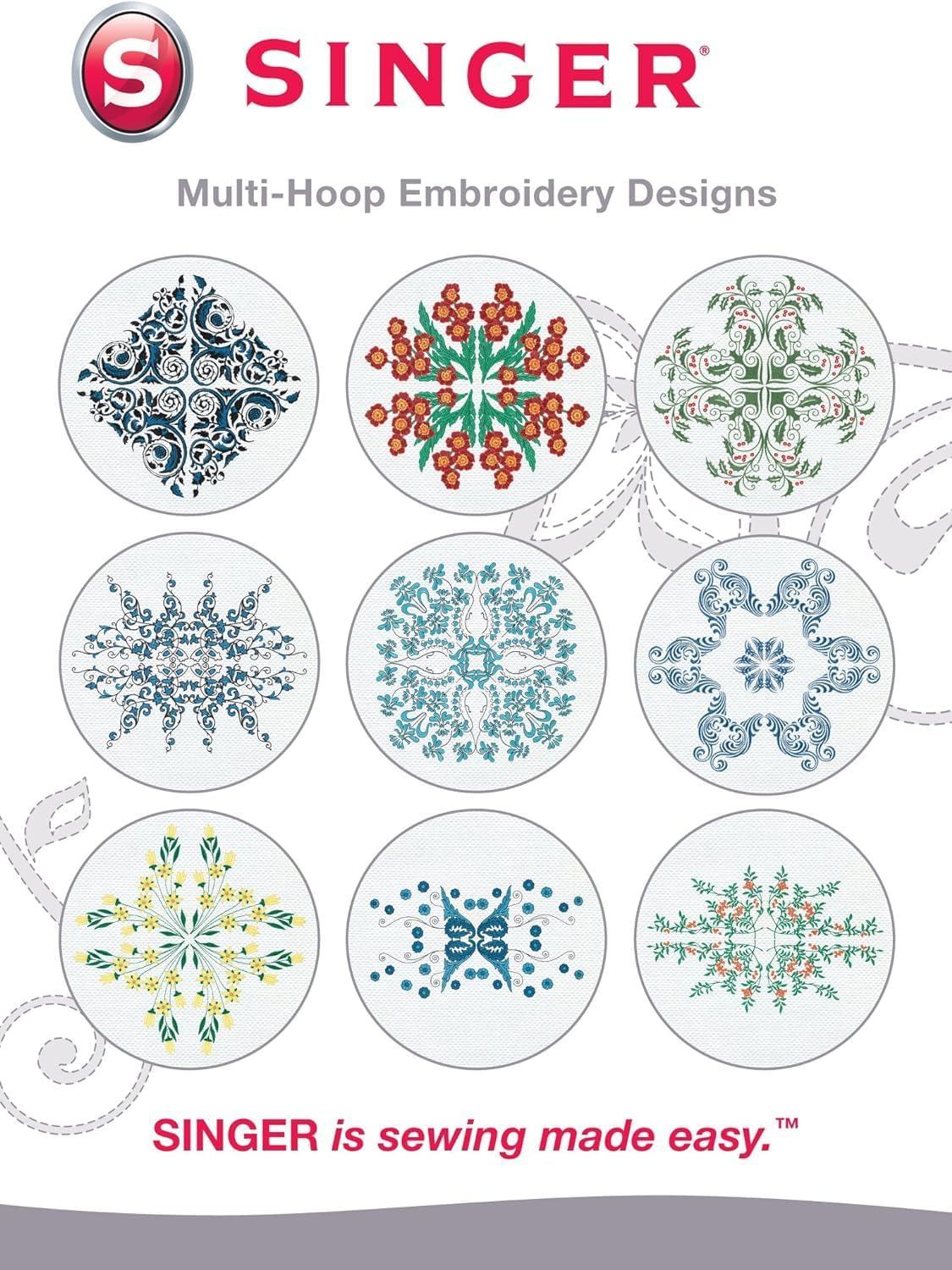
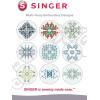
Choose from 10 multi-hoop embroidery design layouts. The designs are pre-digitized and pre-arranged in a multi-hoop layout. You just load and go!
Each of the 10 designs consists of a single-hoop element, for a total of 40 embroidery design layouts!
Use the single-hoop element to embroider designs up to 5.5″ x 9.25″. The multi-hoop embroidery designs allow you to embroider projects up to 11″ x 18.5″ in size!
Feel free to edit the designs using the built-in editing software according to your projects and creativity! You can even make your own custom multi-hoop designs by using the single-hoop element in different positions.
Design themes include: holiday, floral, geometric and more!
This sewing machine is warranted for use in the US and Canada at 110 volts only.
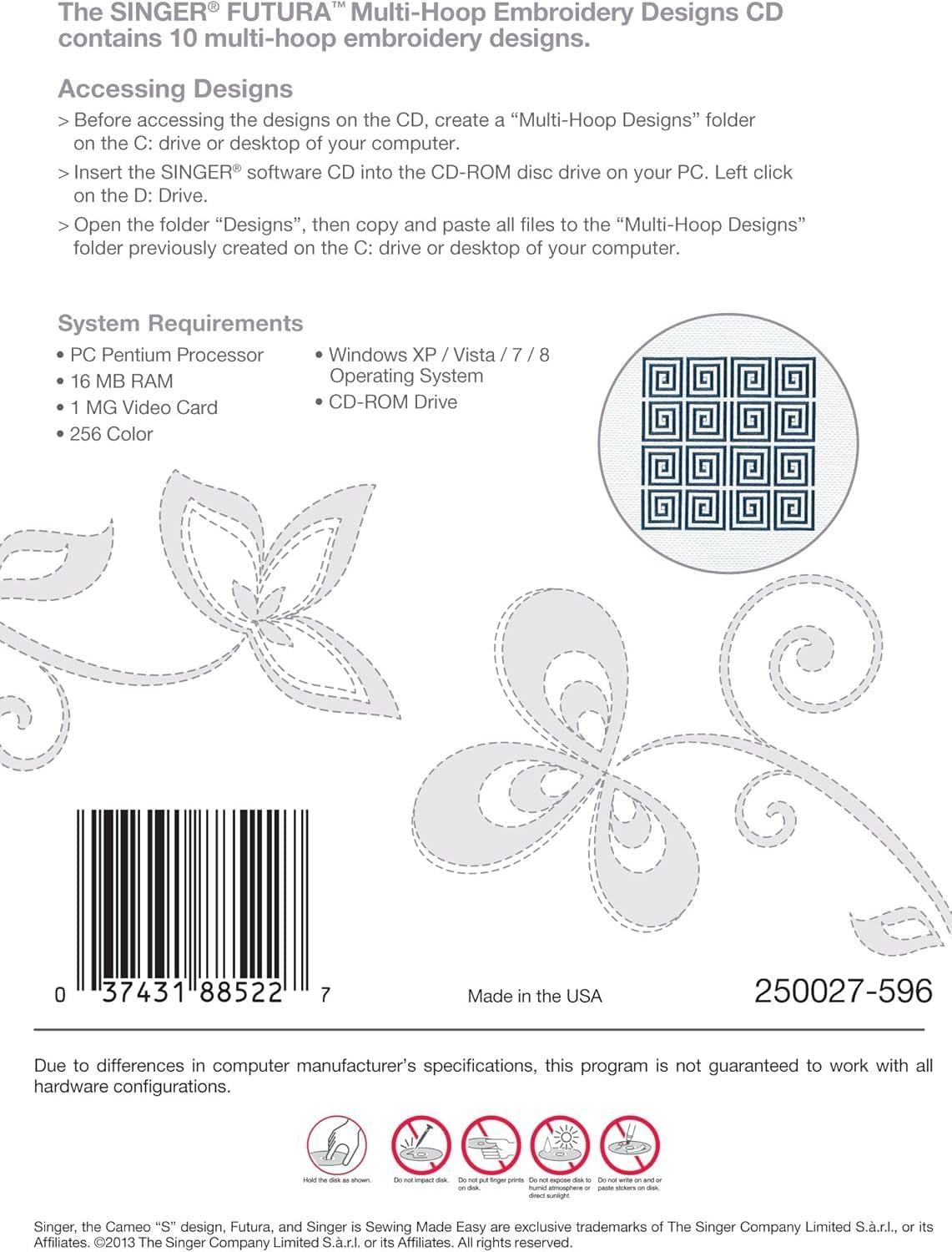
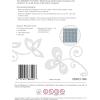
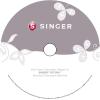
For use with the SINGER® Futura™ XL-400, XL-420, XL-550,XL-580, FQ-4, SEQS-6000, SEQS-6700 & 5 sewing and embroidery machines. Accessing Designs • Before Accessing Designs, on the CD, create a “Multi-Hoop Designs” folder on the C: drive or desktop of your computer. • Insert the SINGER software CD into the CD-ROM disc drive on your PC. Left click on the D: drive. • Open the folder “Designs”, then copy and paste all files to the Multi-Hoop Designs” folder previously created on the C: drive or desktop of your computer. System Requirements PO Pentium Processor 16 MB RAM 1 MG Video Card 256 Color Windows XP/Vista/7/8 Operating System CD-ROM Drive
Reviews
There are no reviews yet.